
Facebook Page
You can integrate forms created in Acumbamail into your Facebook business page so that users who visit it can subscribe directly, while remaining synchronized with your Acumbamail lists at all times.
The steps to follow are as follows:
- In the main Acumbamail menu, go to Newsletters, then to “Lists” and create a new list where you want to include these Facebook subscribers.
- Within the list, select the “Forms” tab and “Create new”. Select the form for Facebook.

- The steps required to create a Facebook-type form are the same as for creating a standard form. First you have to select a default design and customize it to your liking. In step 3 you have to configure some parameters for the form you are creating.
Among these parameters is the name you want to appear on your Facebook page. Finally, in step 4 you have to log in to Facebook and click the “Facebook Login” button.
- Next, go to Facebook and grant Acumbamail permission. Without these permissions, we will not be able to access the pages you manage or create the tab on the page you want.
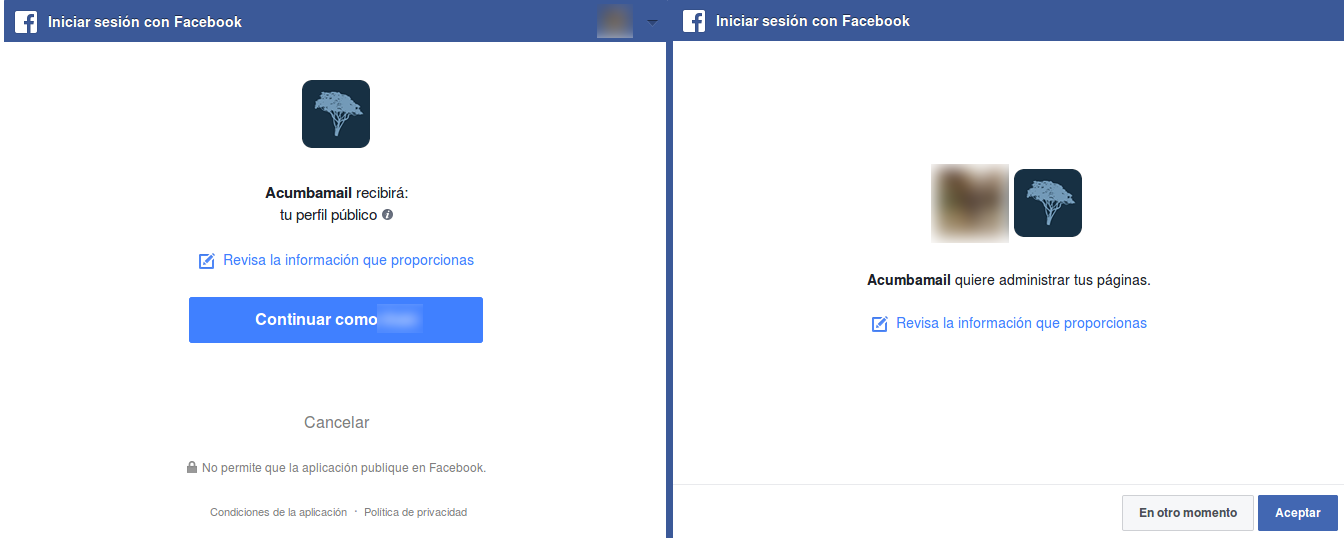
- Once you have accepted the permissions, a dropdown will appear with the pages you manage on Facebook. Select the page where you want to integrate the form and click the “Facebook Login” button.

You will know that you have configured the form correctly because a tab will appear on your Facebook business page where the form you have configured will be displayed.
Check all the available integrations in Acumbamail.